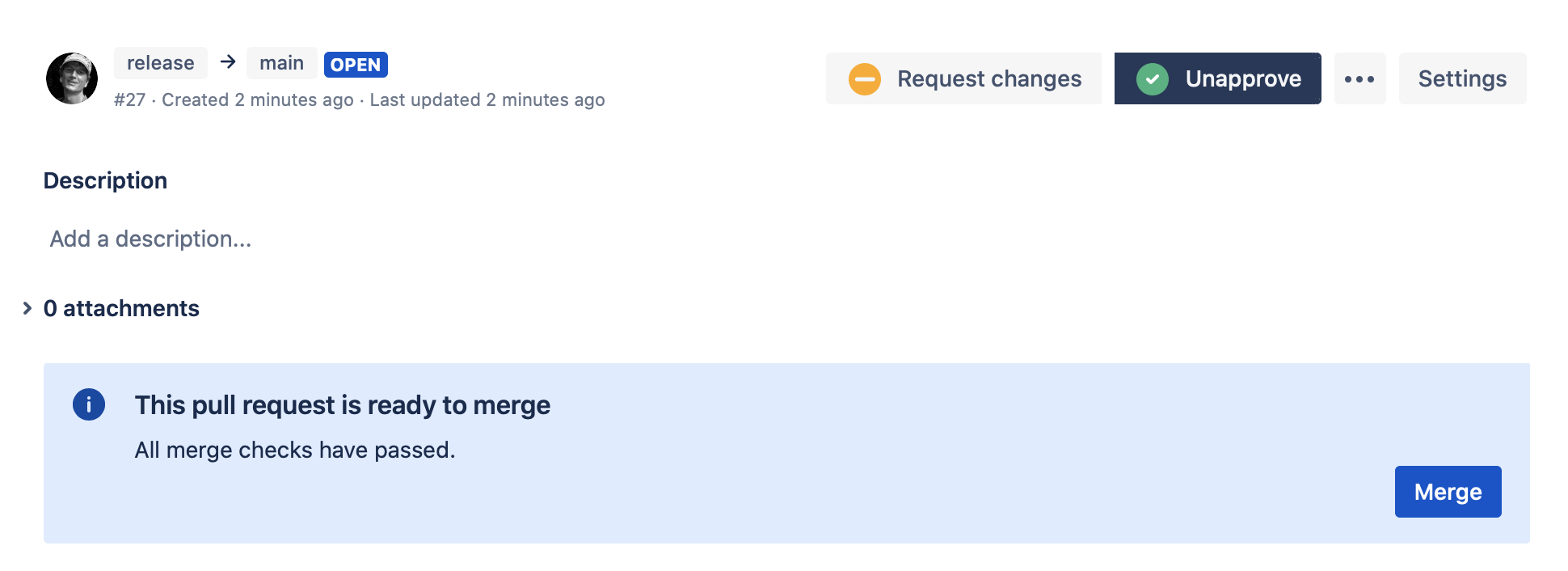

Workzone displays relevant controls on the pull request overview page.
Merge-checks #
Workzone merge-checks show the status of the pull request from Workzone’s point of view. All completed and failing merge-checks are displayed.
If Ignore approvals from committers is enabled, the Workzone checks card shows when one or more approvals have been ignored because the approving reviewer also contributed commits to the pull request. The merge check remains incomplete until the configured approval quota is met by eligible reviewers.
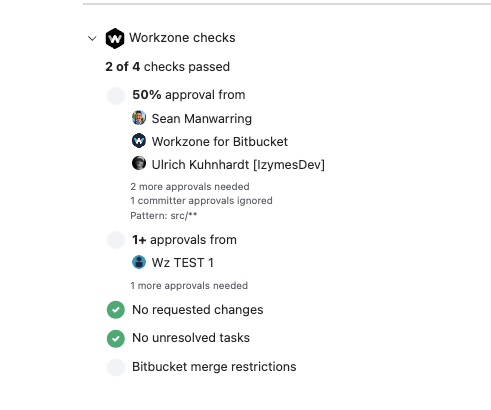
In the example above, Workzone has detected that one approval was made by a pull request committer. That approval is ignored for the Workzone approval quota, so an additional eligible approval is still required before the merge check can pass.
Merge control panel #
The Workzone merge control panel is shown when Workzone auto-merge is in progress after all required merge-conditions have been met or to allow for manual merge if auto-merge is not configured.